
Set Up Delivery Fees
Learn how to calculate delivery charges based on distance and limit serviceable areas using Party Rental Studio. Setting up delivery tiers ensures accurate pricing and prevents bookings outside your service range.
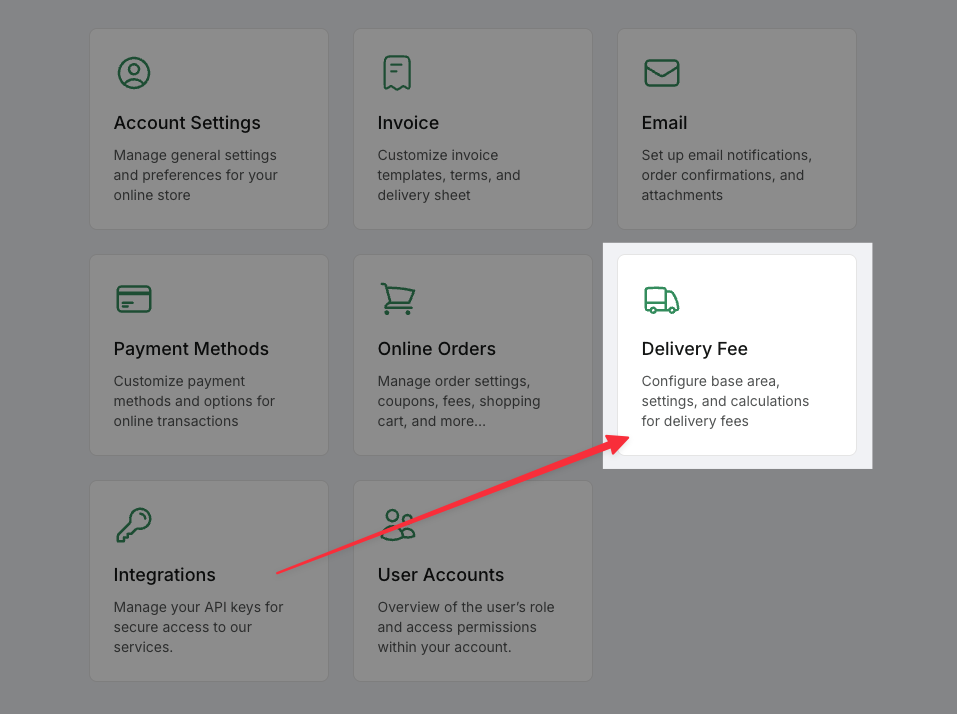
Open the Delivery Fee Settings
Log in to your dashboard.
Click your initials in the top-right corner.
Select
System Settingsfrom the dropdown menu.In the Settings panel, click on
Delivery Fee.
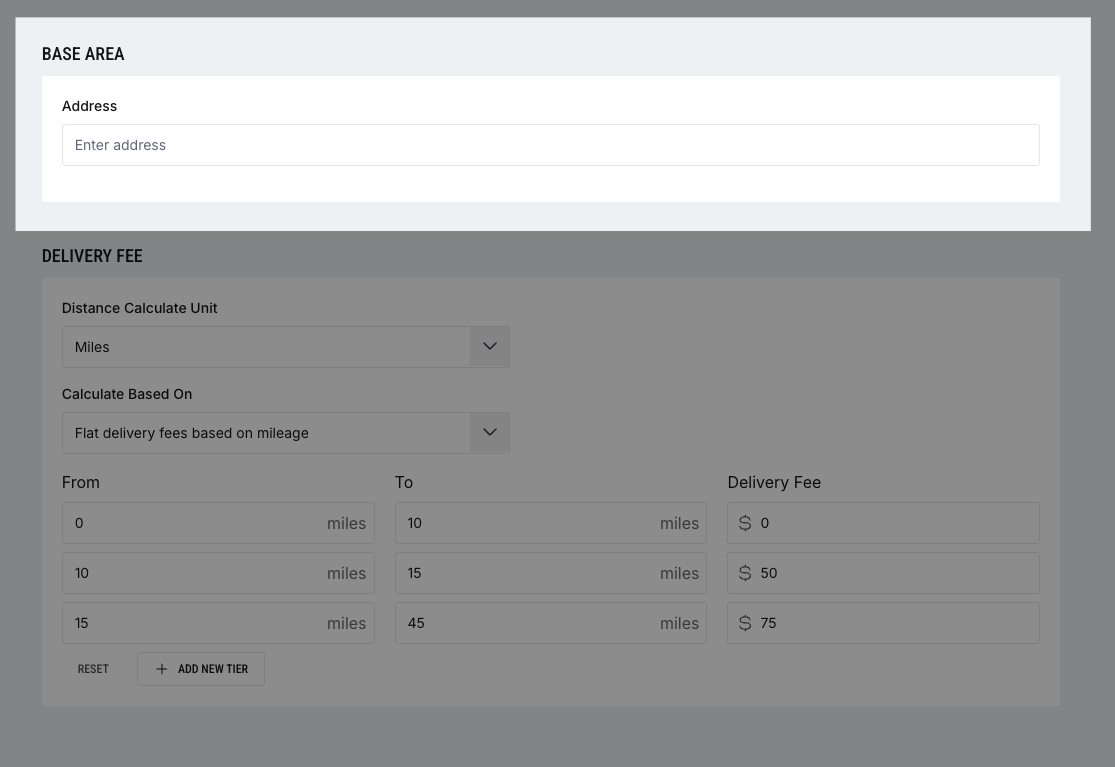
Set Your Base Area
In the Base Area field, enter the address you deliver from (usually your warehouse or office).
This address will be used to calculate distances to customer event locations.
-(1)-(1).gif)
Create Tiered Delivery Fees
Select your Distance Unit (e.g., miles or kilometers).
Choose how to calculate fees (e.g., flat rate based on mileage).
Use the From / To columns to define distance ranges.
Enter the corresponding fee for each tier.
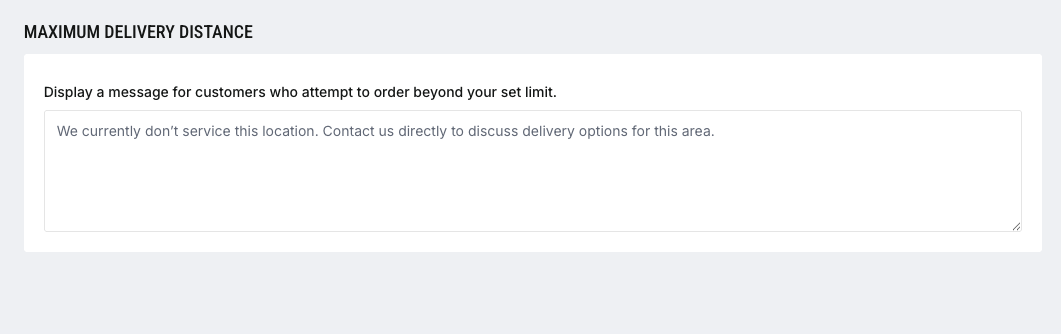
Set a Maximum Delivery Distance
Scroll down to the Maximum Delivery Distance section.
Enter a message that customers will see if they enter an address outside your service area.