
Change Package Icon
Learn how to update the icon that appears on your website for Packages. This helps you customize your storefront and keep your site consistent with your branding.
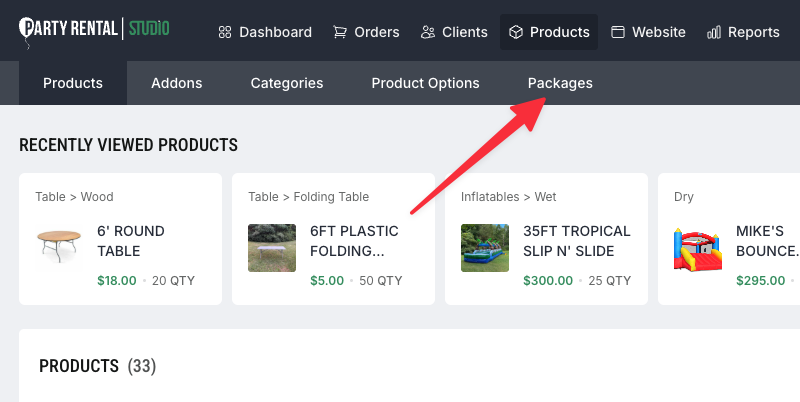
Access Package Settings
Log in to your dashboard
Click
Productsin the main navigationSelect
Packagesfrom the sub-navigation menu
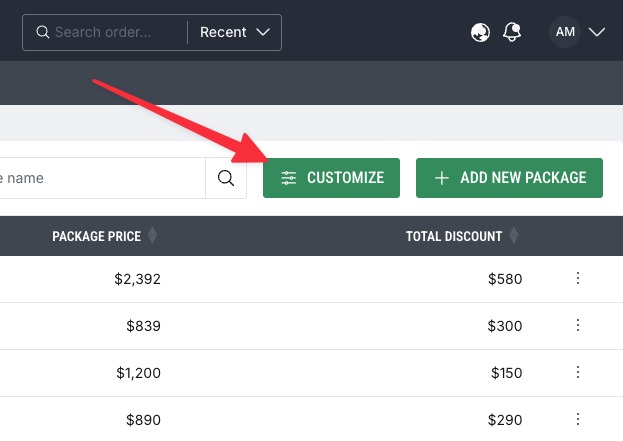
Open Customize Settings
On the Packages screen, find the
CustomizebuttonClick
Customizeto open the settings panel
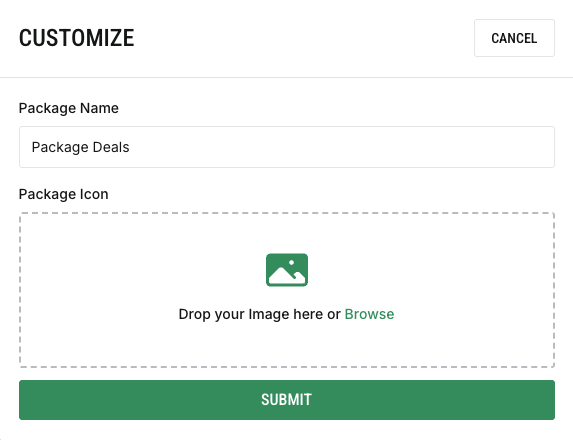
Rename & Upload Image
From the Customize panel, update the Package Name as it will appear on the category page
Upload a custom image/icon to replace the default