A clock for deliveries, an order for pickups
Timed trucks get an arrival for every stop. Flexible trucks keep their stop order, and Optimize order sorts three or more stops into the shortest drive.

Delivery Planner
Build the day's routes on one board, then put each driver's stops on their phone.
Follow one order from the day it's booked to the moment it's back on your books.
Every order with the Delivery method is already headed for the planner.
A drop-off before the party and a pickup after it, with nothing to type.
Assign them from the map, and each truck gets its own driver and route.
Publish the plan and the route is on their phone, down to the balance due.
The delivery time and the payment land on the order, under the driver's name.
Click a waiting stop. The planner lists your trucks by how close each one's nearest stop is, closest first.
Click a pin to see the event and assign it to the closest truck
Closest truck first
Every stop is on a truck.
Stops changed. ETAs are out of date.
Stops changed. ETAs are out of date.
Distances are measured in a straight line. A new stop goes in right after that truck's nearest stop.
Timed trucks get an arrival for every stop, from traffic-based drive times plus your setup minutes. A delivery that misses its start turns red.
6 stops, 7:00 AM to 11:51 AM, 48 mi, 1 late
Every route sheet opens with a load list that adds up the setup items for that truck's deliveries. No prices on the page.
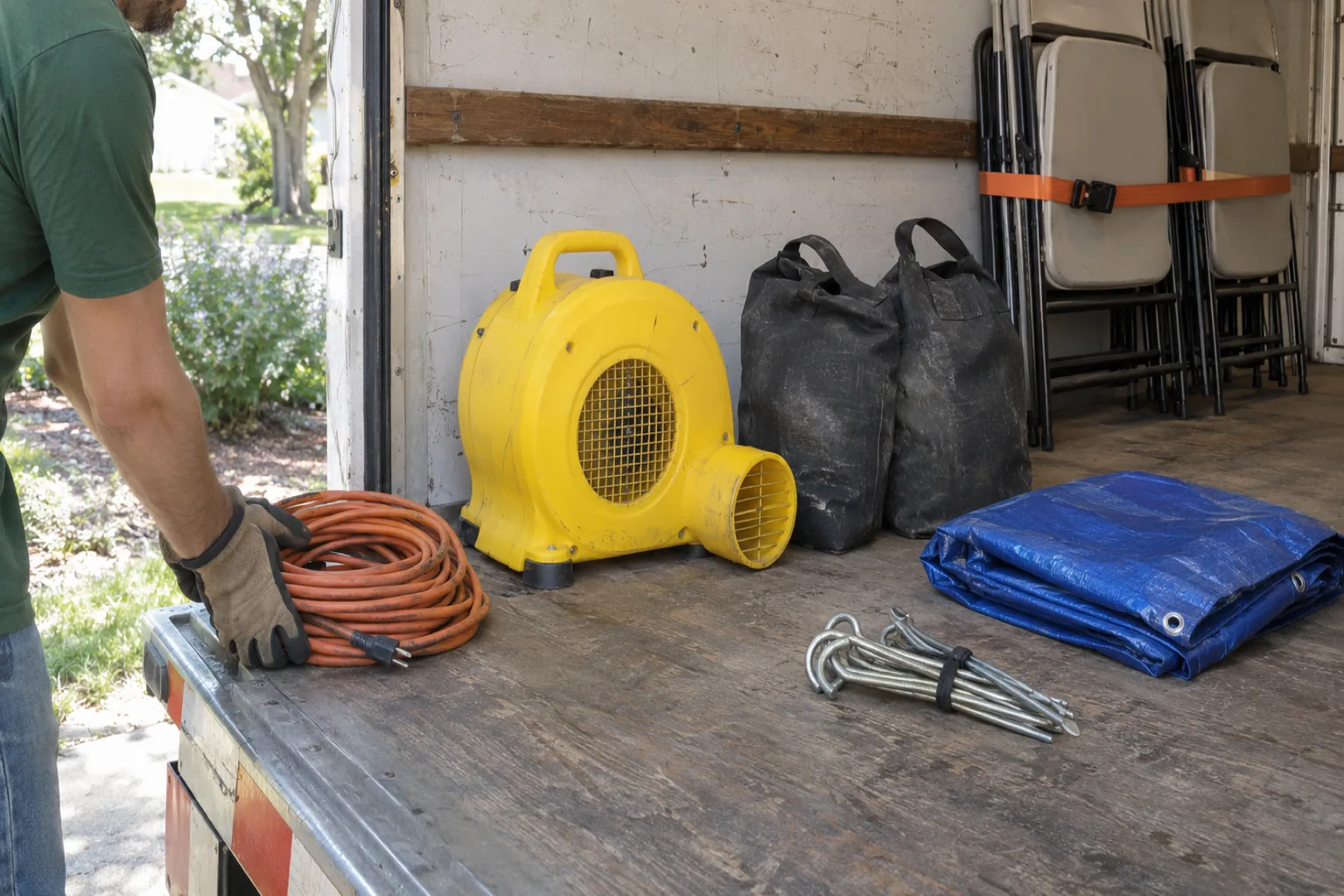
Stop 3 (Daniel Brooks): surface not set, so Hook Stakes and Sand Bags aren't counted.
Everything the crew needs at the door is on one screen, with your prices and back office out of view.
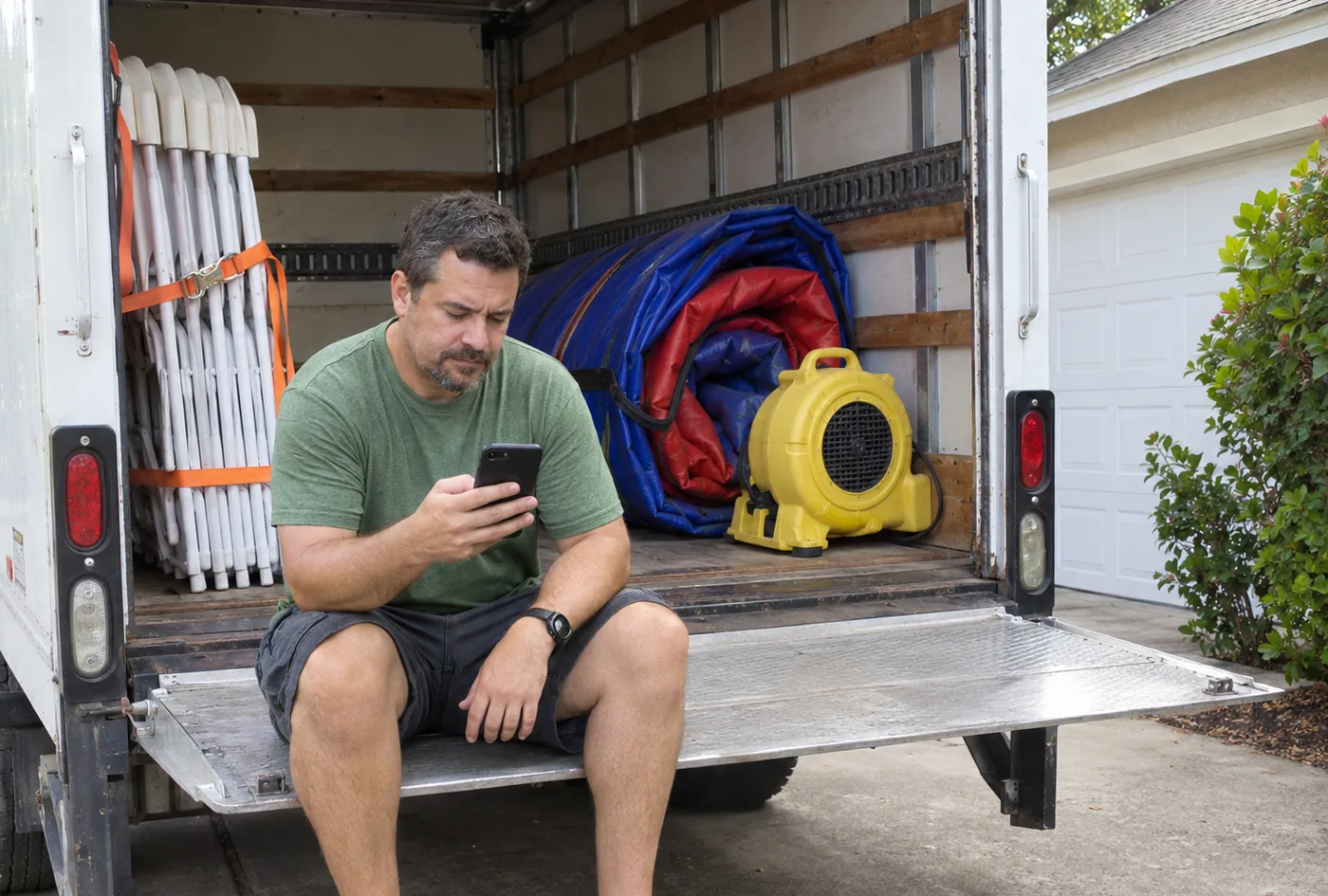
Order noteSide gate is unlocked. Set up in the back yard.
Customer
Mike Jones, (714) 555-0193
57 Sycamore Ct, Orange, CA 92869
Surface
Grass
Items
Order questions
Is there an outlet within 50 feet? Yes
Photos
Client signature
Signed online Sep 8Mike Jones, $180.00 due
Amount received
Up to $180.00. A smaller amount leaves the rest due.
Timed trucks get an arrival for every stop. Flexible trucks keep their stop order, and Optimize order sorts three or more stops into the shortest drive.
Name it on the plan and go. Save your own trucks to the Fleet with a plate and a color.
Put the same driver on a morning delivery truck and an evening pickup truck.
Print route sheets or packing slips for the whole plan.
Drivers can add up to six photos at a stop, so the office can see how each job was left.
The Delivery Planner is an add-on for the Professional plan. Current pricing is listed on our pricing page.
No. Arrival times are planned from traffic-based drive times and your setup minutes. A stop shows as done when the driver marks it done.
No. Drivers open the app and see every route you have published for them. The planner does not message your customers.
No. Drivers can record cash or check, up to the balance due. If a customer pays another way, the driver leaves a note for the office.
Yes. Unpublish the plan, make the change and publish it again. Published plans stay locked so a route can't change while a driver is following it.
No. Add as many trucks as the day needs, including a rented truck for one weekend. One driver can also run two trucks in a day.
Walk through the Delivery Planner with us and see how it fits your trucks and your busiest weekends.
Already a customer? Follow the Delivery Planner tutorial. Screens on this page show a sample day for a fictional rental company.